[GitHub] 프로필 생성
2023. 9. 15. 15:40ㆍTool/Git
1. Repository 생성
- GitHub 프로필 상단 오른쪽에 New를 눌러주면, 새로운 Repository를 만들 수 있습니다!

2. Repository 생성할 때, 이름을 github id와 동일하게 설정
- 그러면 고양이가 웃으면서 안내를 해주는데, a special repository that you can use to add a README.md to your GitHub profile. 이라고 이야기를 해준다. 또한 Make sure it's public and initialize it withe a README to get started 이라고 안내해준다. 저는 1) public 체크 2) Add a README file 체크 하였습니다~!


3. 생성된 repository 코드

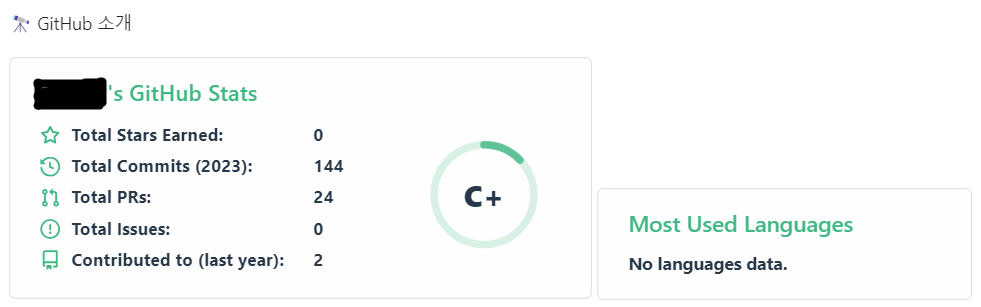
4. 깃허브 꾸미기 (예시)
✨ References
1. https://80000coding.oopy.io/865f4b2a-5198-49e8-a173-0f893a4fed45
2. https://pgmjun.tistory.com/21
3. https://velog.io/@somm/Github-readme-%EA%BE%B8%EB%AF%B8%EA%B8%B0
'Tool > Git' 카테고리의 다른 글
| [Git] From SVN to Git (0) | 2024.06.26 |
|---|---|
| [Git] VS code에서 Git Bash 사용하기 (0) | 2024.05.13 |
| [Git] 명령어 (수정중) (0) | 2024.02.03 |
| [GitHub] Repository: private to public (0) | 2023.09.28 |